
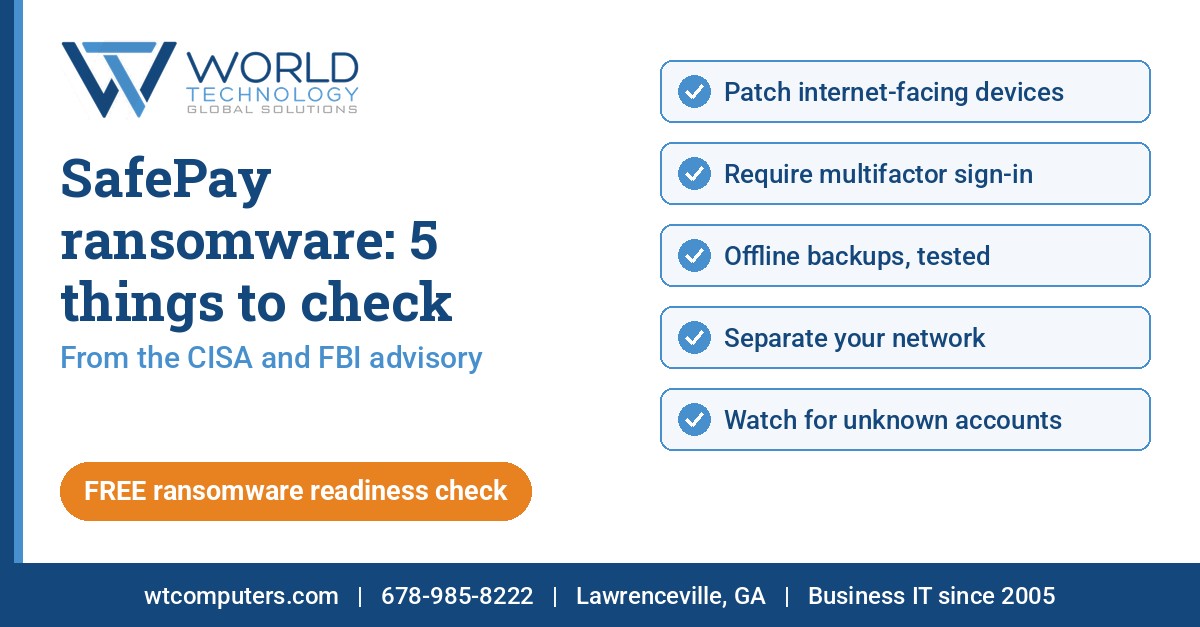
On Oct 21, 2026, CISA, the FBI, the U.S. Secret Service and international partners put out a joint warning about the SafePay ransomware group (CISA news release). The full advisory, #StopRansomware: SafePay Ransomware (AA26-293A), says SafePay was among the most active ransomware groups in 2026 and has hit at least 600 victims across North America, South America, Europe and Australia (CISA advisory AA26-293A).
How SafePay gets in
According to the advisory, SafePay actors usually get in by stealing or guessing passwords, by phishing, and by exploiting known holes in firewalls, VPNs and other internet-facing systems.
Once inside, they create or take over accounts, use normal IT tools to move around, and turn off security tools. They go after backups too: the agencies saw them reset network storage that held backups, and in some cases delete all network-attached backups. Then they steal data, lock files and demand payment, with phone calls and threats to publish the stolen data (CISA advisory AA26-293A).
5 things to check
The agencies list many steps. These five are the ones that matter most for small and mid-size businesses:
- Patch internet-facing devices first. Firewalls, VPNs and anything else reachable from the internet. CISA calls timely patching one of the most efficient and cost-effective steps you can take.
- Require multifactor sign-in. Especially for webmail, VPNs and admin accounts.
- Keep offline backups, and test them. Backups should be encrypted, can’t be changed or deleted, and should actually restore.
- Separate your network. Segmenting limits how far ransomware can spread.
- Watch your accounts. Look for new, unused or unknown accounts, and keep admin rights to the people who need them.
Get a free ransomware readiness check
World Technology started in Lawrenceville and Gwinnett County in 2005 and now supports businesses across the US, in Europe and globally, with network and server monitoring, security and backups. Not sure where your business stands on these five? Get a free WT ransomware readiness check.
Call 678-985-8222, email contact@wtcomputers.com, or reach us through our contact page.